AI-powered email management for your team
Connect Gmail or Outlook and let AI handle your inbox. Automatic triage, smart draft responses, and intelligent routing — so your team can focus on what matters.
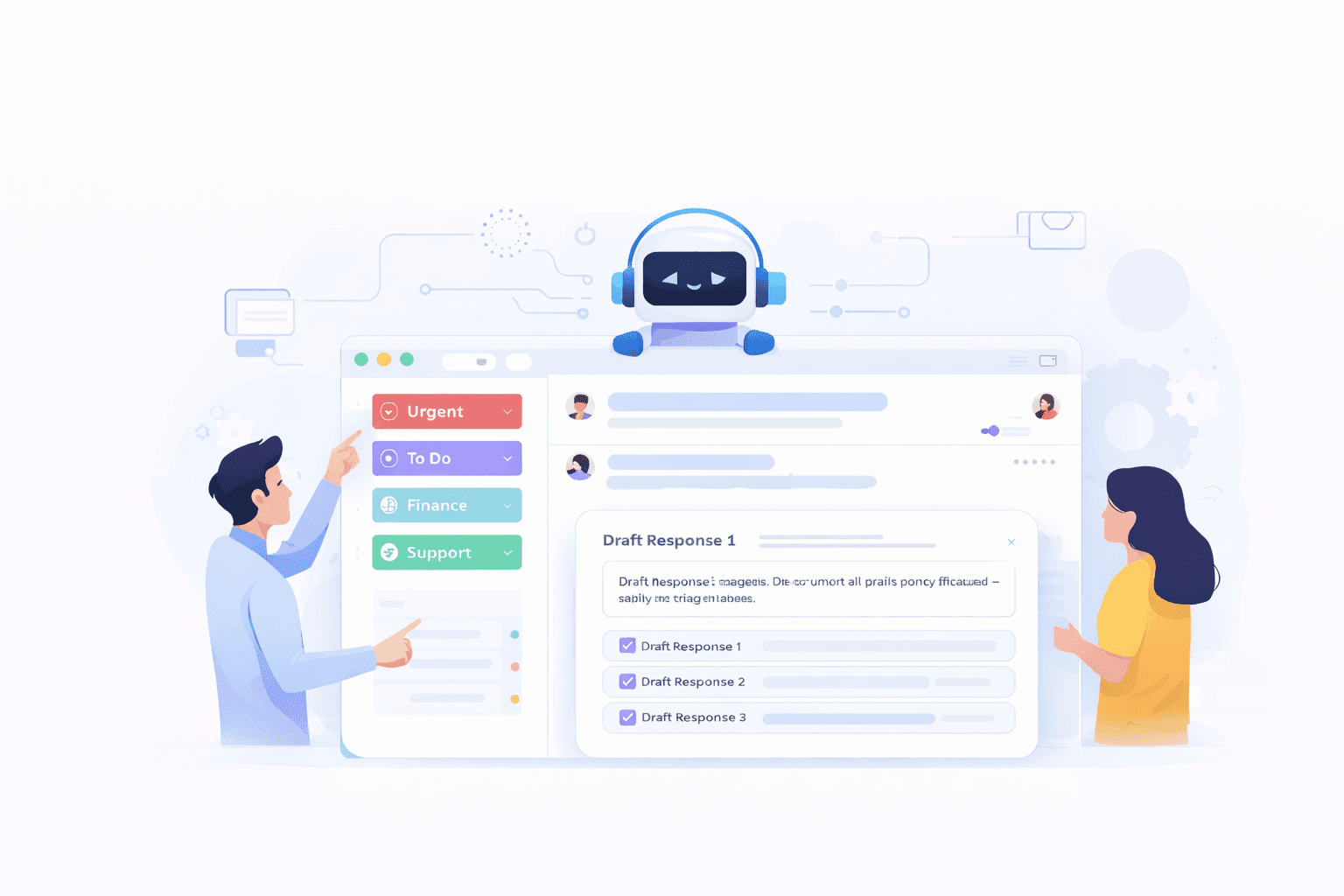
Works with the email providers your team already uses
Features
Your inbox, supercharged with AI
AI Inbox Triage
AI reads every incoming email, classifies urgency and topic, and routes it to the right team member or department. No more inbox overwhelm.
Smart Draft Responses
AI drafts responses based on your tone, past replies, and knowledge base. Review, edit, and send — or let the AI handle routine emails automatically.
Auto-Label & Organize
Incoming emails are automatically labeled, categorized, and organized. Invoices go to Finance, support tickets to Customer Success, resumes to HR.
Email Search & Summary
Ask the AI to find specific emails or summarize email threads. "What did the client say about pricing last week?" — instant answers.
Multi-Provider Support
Connect Gmail, Outlook, or any IMAP email provider. Multiple accounts per workspace. Each department can have its own connected inbox.
Privacy-First
Emails are processed in the EU and never stored permanently. OAuth-based authentication — we never see your password. Revoke access anytime.
How It Works
Connect your email in 4 steps
Connect your email
Sign in with Google or Microsoft. OAuth authentication — we never see your password. Takes 30 seconds.
Configure AI rules
Define how the AI should handle emails — which labels to apply, which to draft responses for, which to route to specific agents.
AI processes your inbox
New emails are automatically classified, labeled, and queued for response. The AI uses your knowledge base for context-aware drafts.
Review and send
Review AI-drafted responses in the natix.chat interface. Edit if needed, then send. Or set up auto-send for routine responses.
Hi, I ordered yesterday and I’d like to know how long delivery to Cluj takes? Thanks!
Hi Andreea! Thanks for your order. Parcels to Cluj usually arrive within 1–2 business days by courier. You’ll get an SMS with the tracking number as soon as we ship. Have a great day!
Use Cases
AI email for every team
Customer Support
AI reads support emails, finds answers in your knowledge base, drafts responses with the right tone. Reduce response time from hours to minutes.
Auto-reply to common questions
Escalate urgent tickets to agents
Sales & Business Development
AI qualifies inbound leads, extracts key information, and drafts personalized follow-ups. Never miss a warm lead in your inbox again.
Classify leads by company size
Draft follow-up within 5 minutes
HR & Recruitment
Process application emails, schedule interviews, send status updates. The HR agent handles routine email workflows while you focus on candidates.
Acknowledge applications automatically
Extract resume data from attachments
FAQ
Frequently asked questions
natix.chat supports Gmail (Google Workspace), Microsoft Outlook (Office 365), and any email provider that supports IMAP. You can connect multiple email accounts to a single workspace.
Yes, but with full control. By default, the AI drafts responses for your review. You can approve and send with one click. For routine emails (e.g., auto-acknowledgements), you can enable auto-send with specific rules and conditions.
No. Emails are processed in real-time in EU data centers and are not stored permanently. We use OAuth for authentication and never access your password. Email content is never used to train AI models. You can revoke access anytime from your Google or Microsoft account settings.
The AI uses a combination of your knowledge base documents, your agent's system prompt, and the email context (thread history, sender info, subject). You can customize the tone, response style, and which topics the AI should handle vs. escalate to a human.
Yes. Each workspace can have multiple email connections. You can connect different accounts to different departments — e.g., support@company.com to Customer Success, hr@company.com to HR, sales@company.com to Sales.
If the AI's confidence is below a configurable threshold, it flags the email for human review instead of drafting a response. You can set the confidence threshold per agent and per email category.
Ready to supercharge your inbox?
Connect your email in 30 seconds. Start with a free plan.